
Using Account Filters LinkedIn Sales Navigator is one of your best investments and most rewarding paths to finding qualified B2B leads.
We will go through the 15 Account Filters offered by Sales Navigator on LinkedIn.
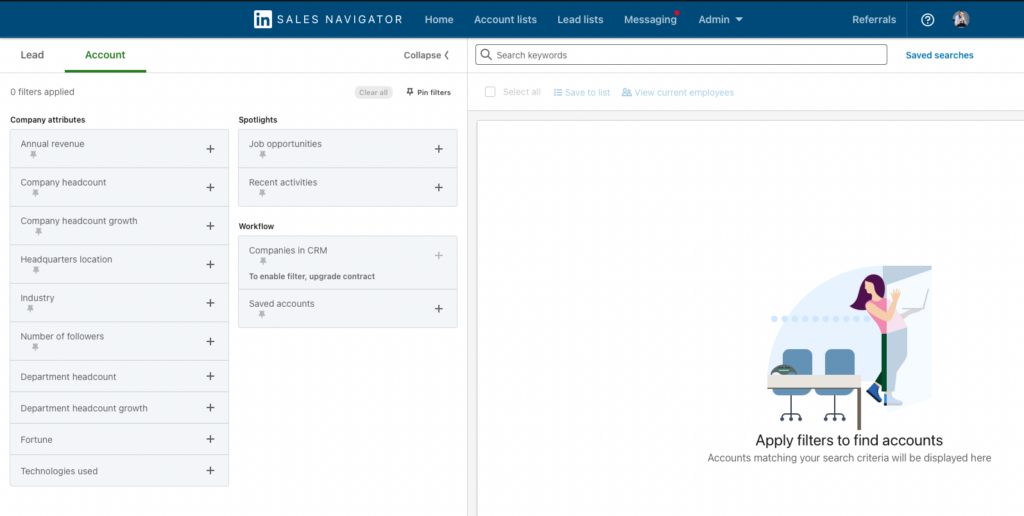
1. Keywords
"Keywords" works by listing all account profiles containing the word the user entered. As simple as it may seem, the "Keywords" filter is still at the very top of this advanced search engine's most valuable filters. Since it supports Boolean search, it gives Sales Navigator users many options to improve their lead generation. Boolean is available for both Sales Navigator Leads and Account filters, and is one of the top hacks used by industry professionals to generate qualified B2B leads.
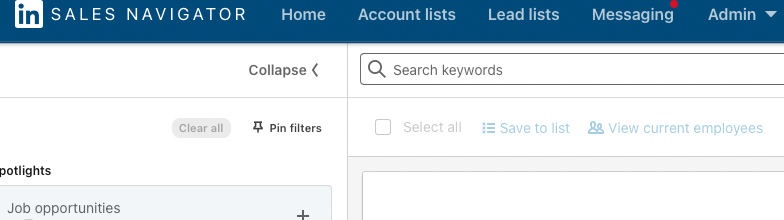
2. Annual revenue
Annual revenue is counted in the millions.
Manually enter the range.
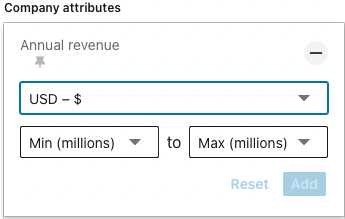
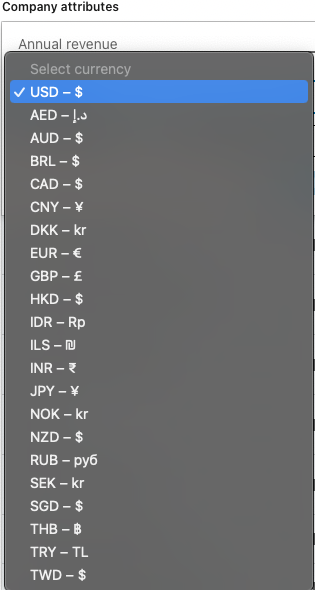
A drop-down menu allows you to select a currency. It contains the currencies of 22 major economies.
3. Company headcount
Select from the menu which company size range best suits your lead generation needs.
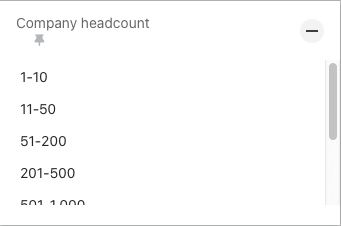
Depending on how precise the data needs to be for you to generate a lead, this filter may or may not be useful. As you can see, the size range is quite wide.
4. Company headcount growth
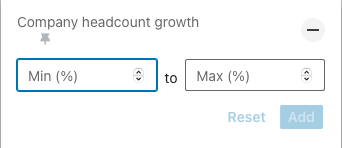
Headcount refers to the total number of employees in a given company. The increase in Headcount shows how much this number has changed over a certain period of time.
5. Headquarters location
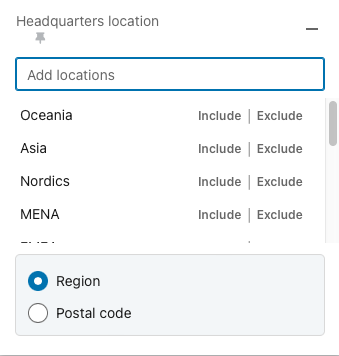
You can filter headquarters location by continent, geographic divisions (EMEA), country, region, city, zip code, etc.
Region: you can add multiple regions or exclude one or more regions from the search.
Zip code: since the zip codes of different cities in different states match, this filter gives you a drop-down menu based on the number you enter. In this way, you can select not only the zip code, but specify the city and region/country. You can add more postal codes for different areas of the city.
6. Industry
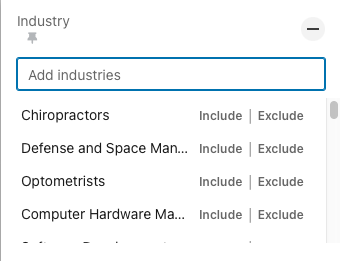
Select one or more industries you want to search.
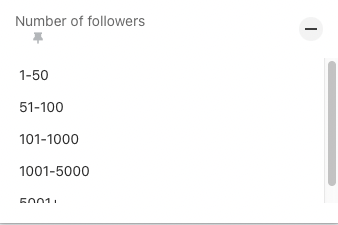
7. Number of followers
Filter LinkedIn company accounts by how many users follow their company page on LinkedIn.
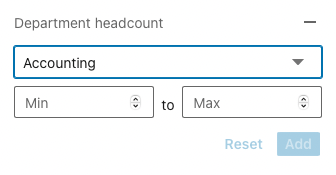
8. Department headcount
This Sales Navigator account filter can be useful if your product or service specifically targets smaller, medium or larger departments.
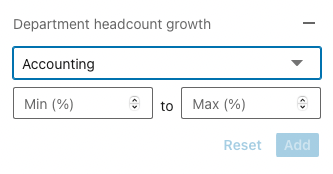
9. Department headcount growth
The number of employees in a department refers to the number of employees in a department, and the growth of a department shows how much that number has changed over a certain period of time.
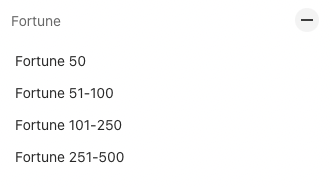
10. Fortune
This Sales Navigator account filter shows the 50, 51-100, 101-250 and 251-500 richest companies in the world as listed in Fortune.
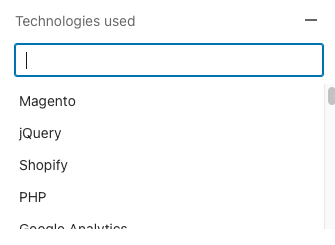
11. Technologies used
This filter is useful if your company provides services for specific tools, platforms, software, etc. By activating this filter you are able to target companies that use specific technologies. You can add multiple technologies to your search.
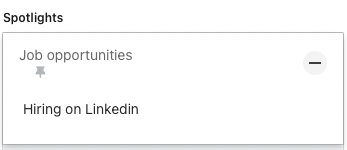
12. Job opportunities
Find companies on LinkedIn that are currently hiring. Companies that are either hiring or have received funding are growing, so they need certain (additional) job profiles, etc. In addition, new hires or those who have recently been promoted to new decision-making positions are more receptive to news, change and testing different services and solutions. This may be an ideal time to approach these companies. The same goes for another filter - Recent Activities.
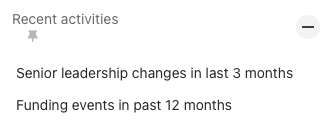
13. Recent activities
Companies where there have been changes in leadership in the last 3 months and/or where there have been financing events in the last 12 months are more likely to expand, test various new innovations, new solutions or are simply prone to big changes.
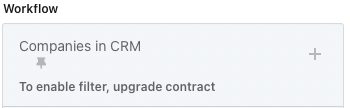
14. Companies in CRM
This filter is only available in the Sales Navigator Advanced Plus plan, as it is the only plan that can actively synchronize with CRM and transfer important information such as leads and accounts from CRM to Sales Navigator. Synchronization also allows you to save specific information from Sales Navigator to CRM.
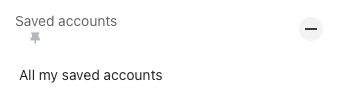
15. Saved accounts
This filter takes into account all the accounts you have saved. You can use other Sales Navigator filters to narrow the list to your ideal company and decision maker profile.
I hope you have realized the great potential of Sales Navigator's Account Filters in generating B2B leads. Be sure to take advantage of them if you have decided to purchase Sales Navigator!