
As many of you may have guessed, posting on Social Media is a very important factor for getting to know an author in depth. I would even say that posting is essential for creating communities and acquiring leads. However, how do you create posts so that they attract attention? I am rushing with the answer 🙂
Posts on LinkedIn have their target function imposed by this service to fulfill by breaking down situations, news, business and industry tidbits. LinkedIn's "What do you want to discuss?" prompt itself, which displays when we want to write a post, makes it easier for us to select appropriate content and suggests that we discuss an issue.
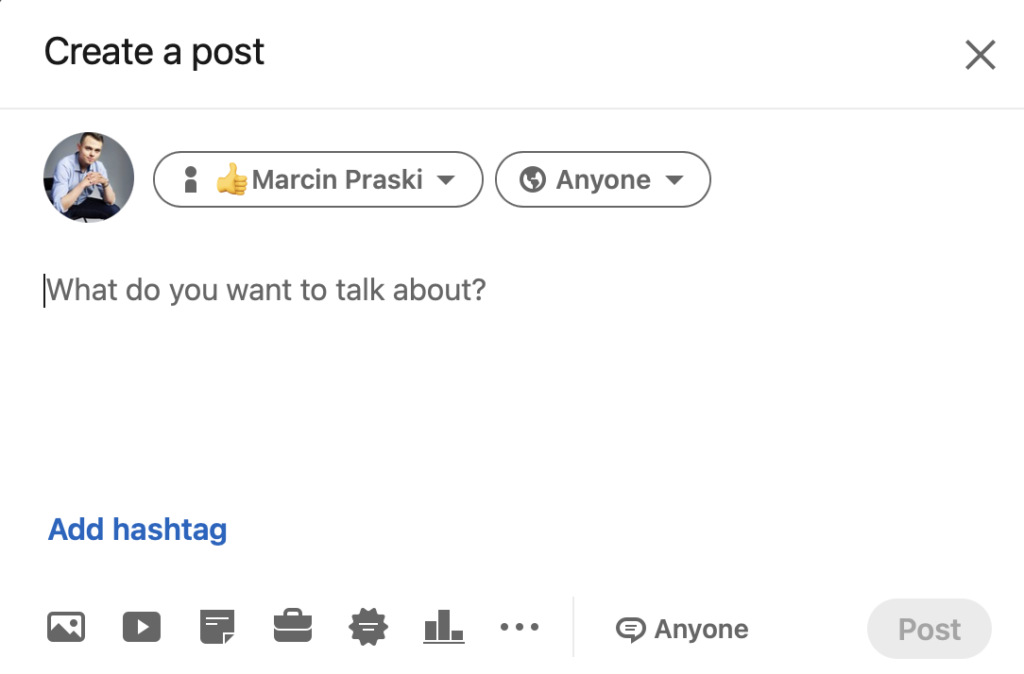
So how do you write such a post?
The most important element in creating a post is to make it varied so that it is pleasing to the eye. This makes it easier for us to use:
- Paragraphs - no compacted text
- Emoticons - visual effect, paragraph separation
- Checklist - organizing the text
- Hashtags - they catch the eye and make it easier to viral content
Tagging people with @ is also a very good way to reach a larger audience!
Even more eye-catching or GRAPHIC ELEMENT!
Do you also have this, when scrolling through content you stop at those whose graphics, videos, gifs are expressive and until they attack you, screaming SEE ME! I do.
Therefore, a very important aspect in creating posts is to include appropriate graphics/gifs/videos so as to catch the readers' eyes and make them stop their scroll right on your post. Example of my post:

In this case, it's a gif that catches the eye with its moving cursor and yellow border.
What the eyes see
That is, the first 3 lines of text of your post. Place there the most important information and interesting facts, so as to encourage the reader to click ...read more. Place emoticons and the main information of your post here.
In addition, LinkedIn allows us a lot more features when creating a post. Example below:
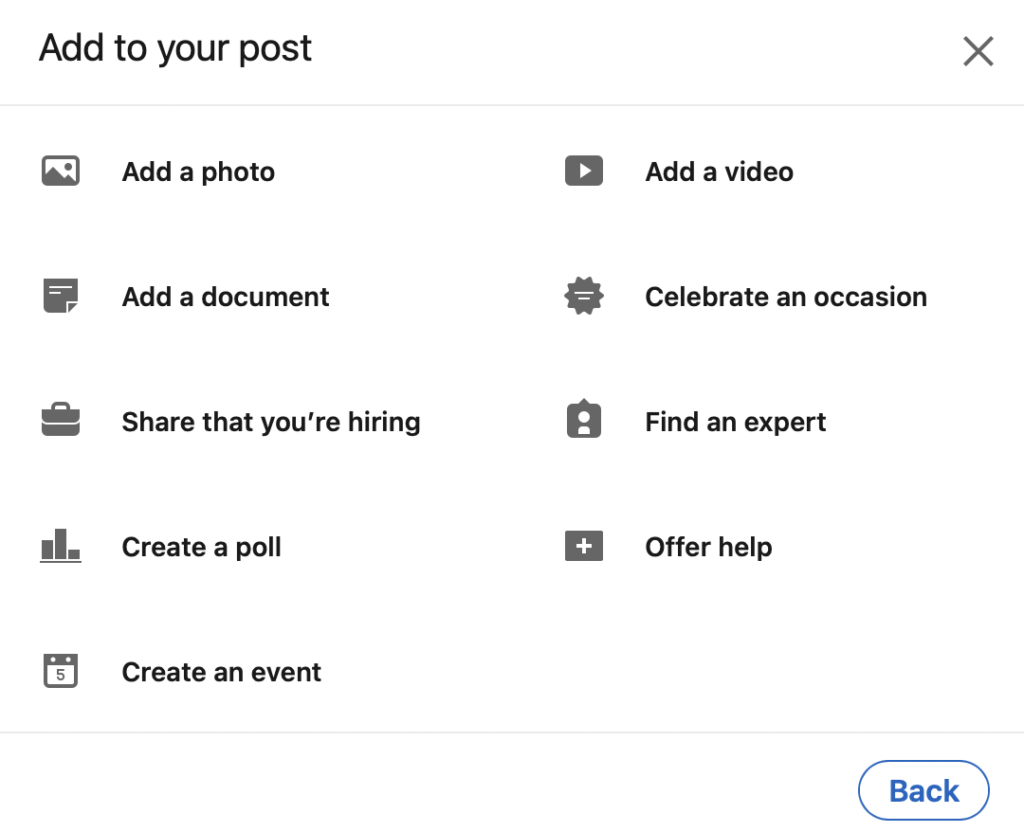
The most important of these features is the creation of a survey, through which we can easily collect leads by asking a question or help with something? A very cool feature is also the creation of events, where we can discuss, for example, our or our company's achievements and key messages. In addition to these features, we can also share that we are looking for employees, add a video/photo/documentary, celebrate an occasion, find an expert or offer our help.
I hope this information makes your posts easier to write!