
How to get more followers for your company page on LinkedIn? It's very simple! LinkedIn allows us to add our contacts to like our company page.
If you are a Super Admin or Content Admin on your company website, you can simply invite your friends to follow the site.
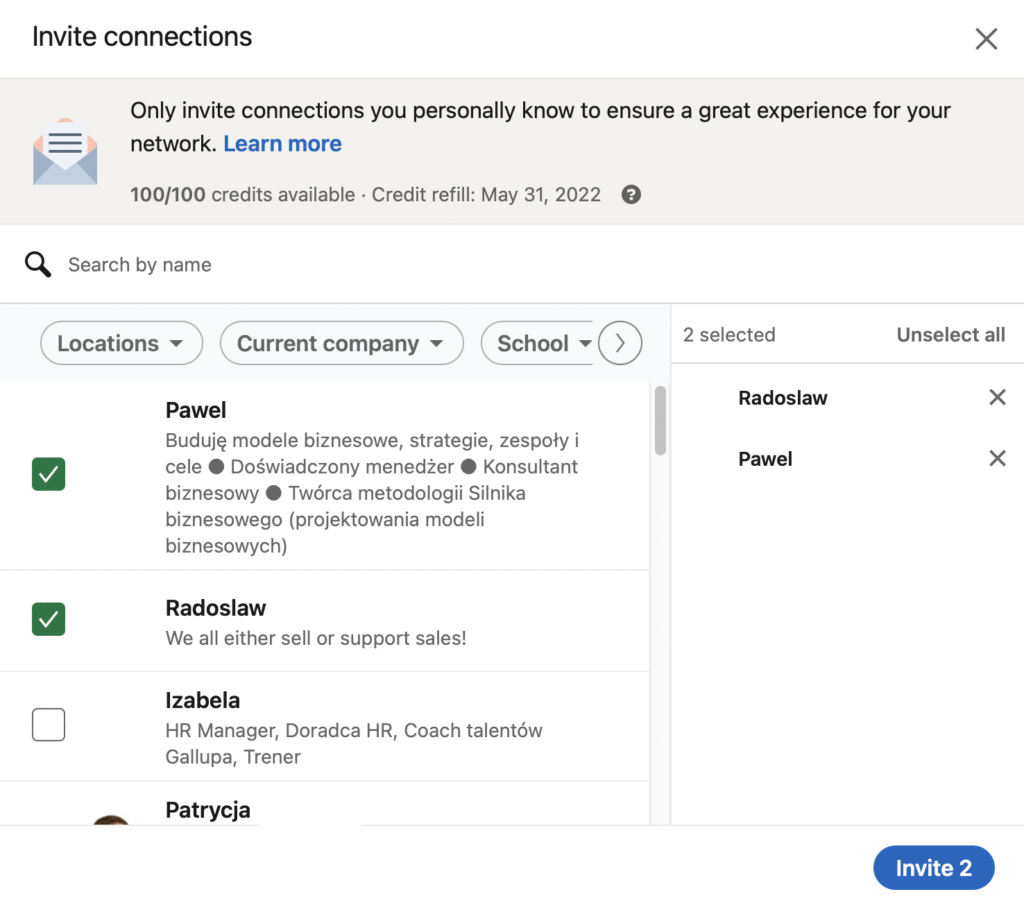
Each site can invite up to 100 people from its network to follow it each month.
Each month, the number of invitation credits will be replenished to 100.
How do you invite your friends to follow your LinkedIn company page?
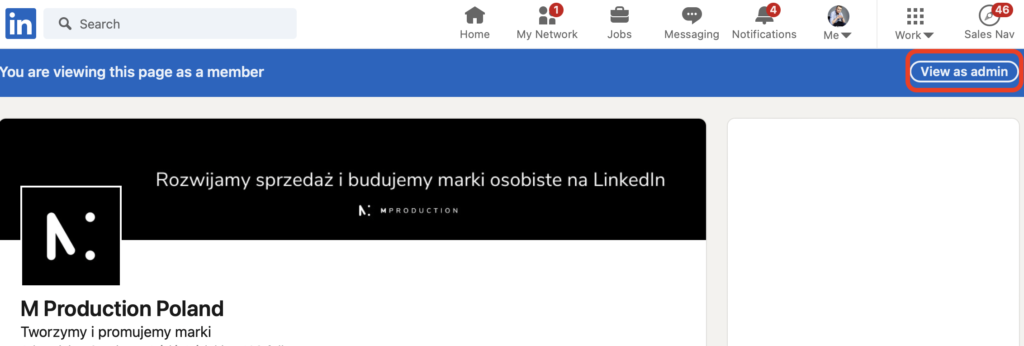
Go to your company page on LinkedIn
View as administrator
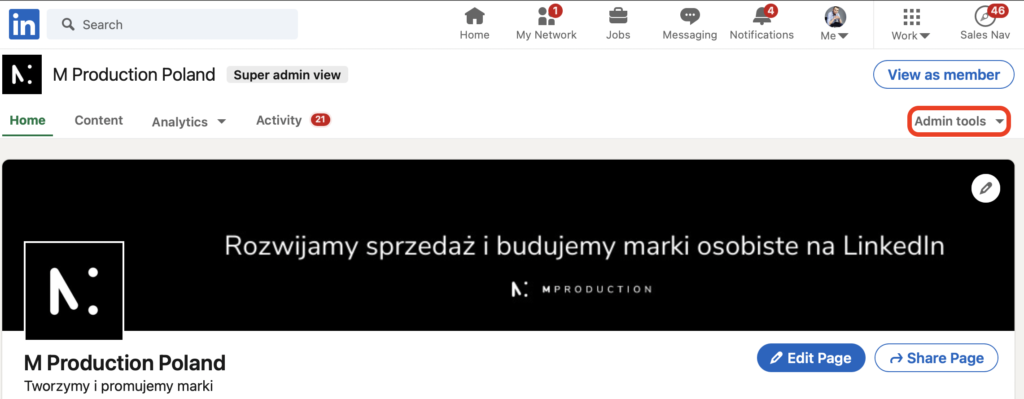
Click the Admin Tools menu on the right.
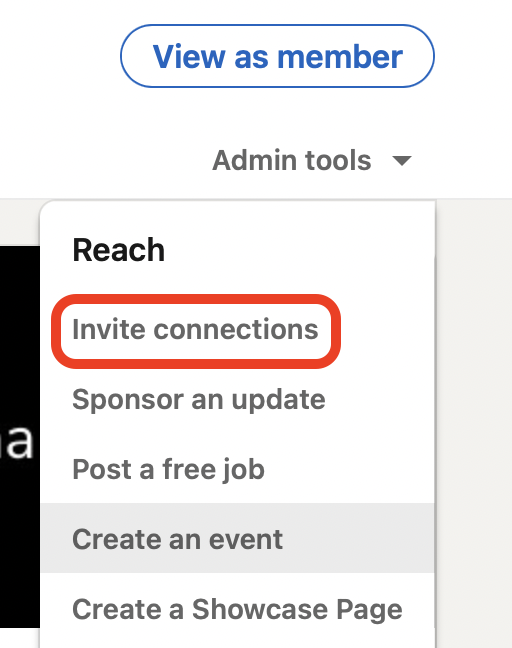
Select Invite Friends
Select the friends you want to invite to watch your page
Good news - when someone accepts your invitation to follow your page, LinkedIn will give you new credit!
Since LinkedIn replenishes credits on the first day of each month, it's a good idea to use all credits at the beginning of each month. As people accept your invitation to follow the page, you will have more time to use up the new credits! Therefore, it is important to choose the right people, those who will definitely accept your invitation 🙂