Far from satisfying unhealthy curiosity, the "who viewed my profile" feature on LinkedIn is very useful in your prospecting process. It lets you know who is potentially interested in your services or your business in general. Don't miss these opportunities to expand your network and generate leads! How to find out who has viewed your profile on LinkedIn?
Go to the "who viewed my profile" page on LinkedIn
How to find out who has viewed your profile? This feature is readily available on LinkedIn:
Click the "You" icon, which displays your photo at the top of the home page;
Select "View Profile."
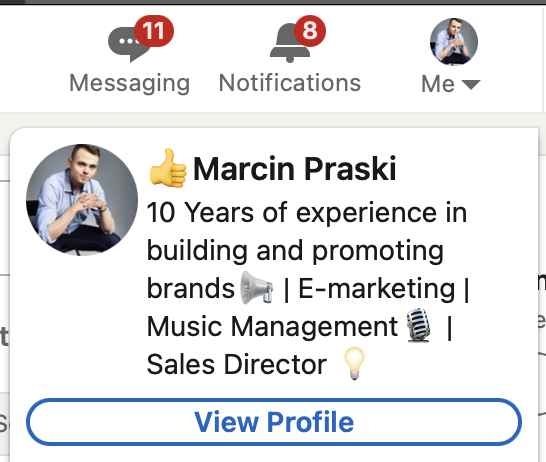
From there, click on the "who viewed your profile" banner in your dashboard.
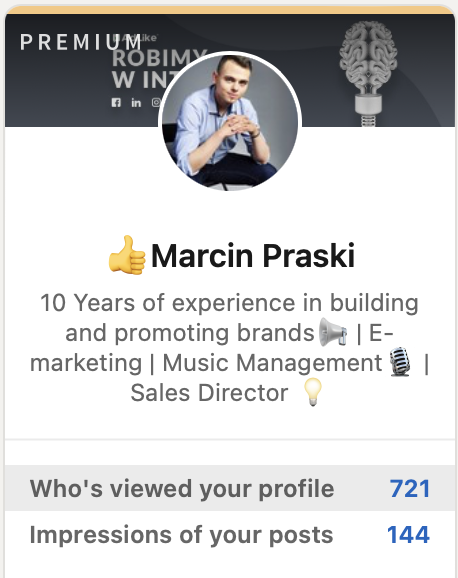
Note: you can also access this information from the home page: below your photo on the left side of the page, click "Who's viewed your profile."
Benefits of this feature
Knowing who is viewing your profile is extremely informative. In fact, most of the time, members who are trying to find out who you are display your profession. This allows you to test several strategies to target the right people to achieve your career goal.
This is a great opportunity to send a personalized invitation, such as "Hi X, I see you visited me. I'd be happy to talk to you about [your common interest]. See you soon! "
Limitations of the "who viewed my profile" page
Be aware that if you have a free LinkedIn account, you can only see the last 5 visits. Also, some people set their visit as anonymous, so you will just see "a LinkedIn member has seen your profile."
To have full access to all the members who have seen your profile on LinkedIn, you can purchase a paid version of LinkedIn Premium.
Whether you have a free account or a premium subscription, take advantage of these opportunities and refine the pace and content of your LinkedIn posts!