

Publishing articles on LinkedIn can help you share your professional knowledge with your contacts and gain followers on the platform, all while growing your network.
How to publish your own article on the platform? It's very simple:
1. log in to your LinkedIn account and click on "write article" in the posting panel

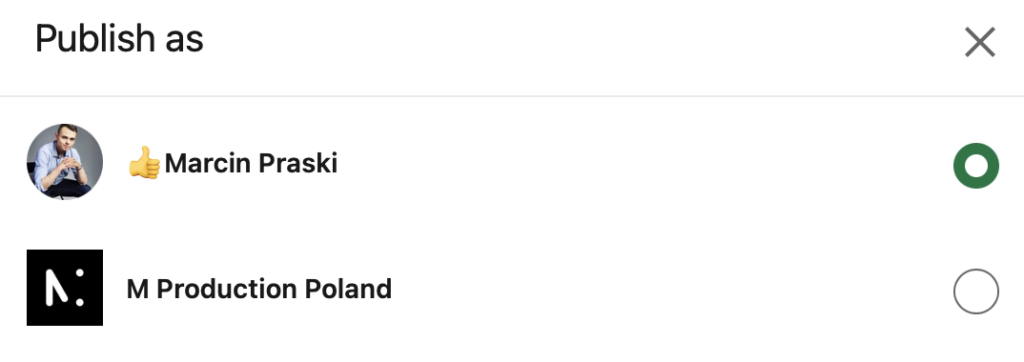
2. a panel will open to select which account you want to write the article from, select the account and click next
3. when you click next, it will open a panel to write an article on LinkedIn
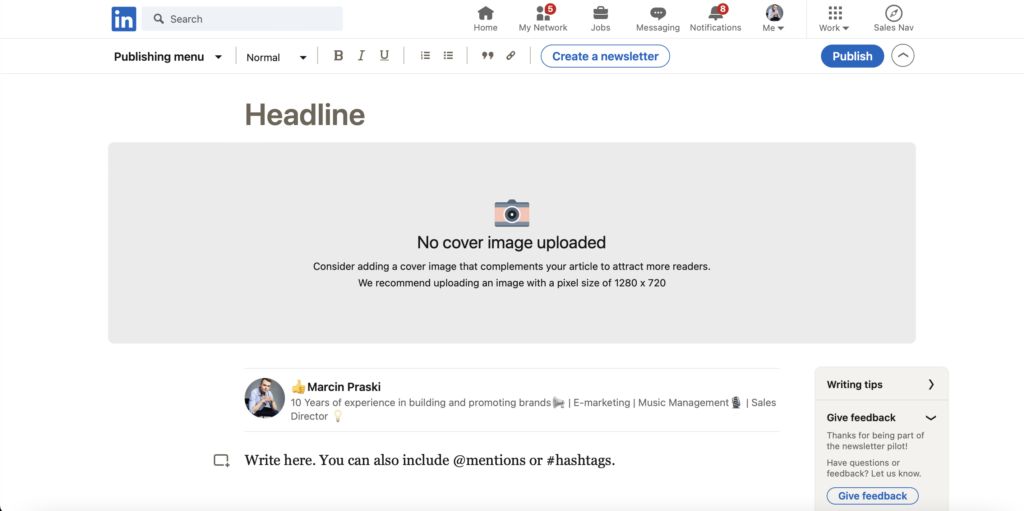
Here we have the option to attach a background photo to our article. In the lower right corner, we can see tips for writing an article. From here we can also create a newsletter on LinkedIn.



