

If you've just started on LinkedIn with your Company Page and don't know how to write posts, you've come to the right place.
In this short article, we will tell you the steps you need to follow to create a post on LinkedIn!
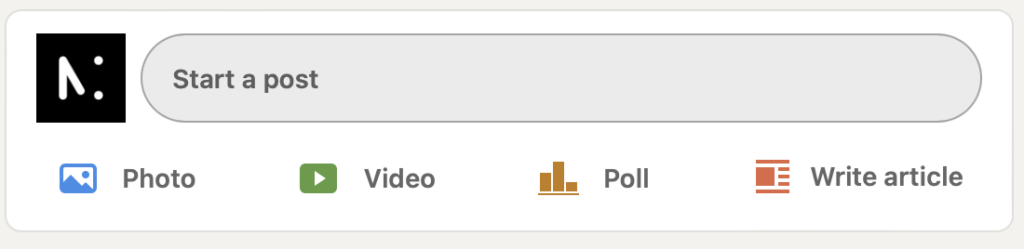
Step 1
Click on „Start a post”
Step 2
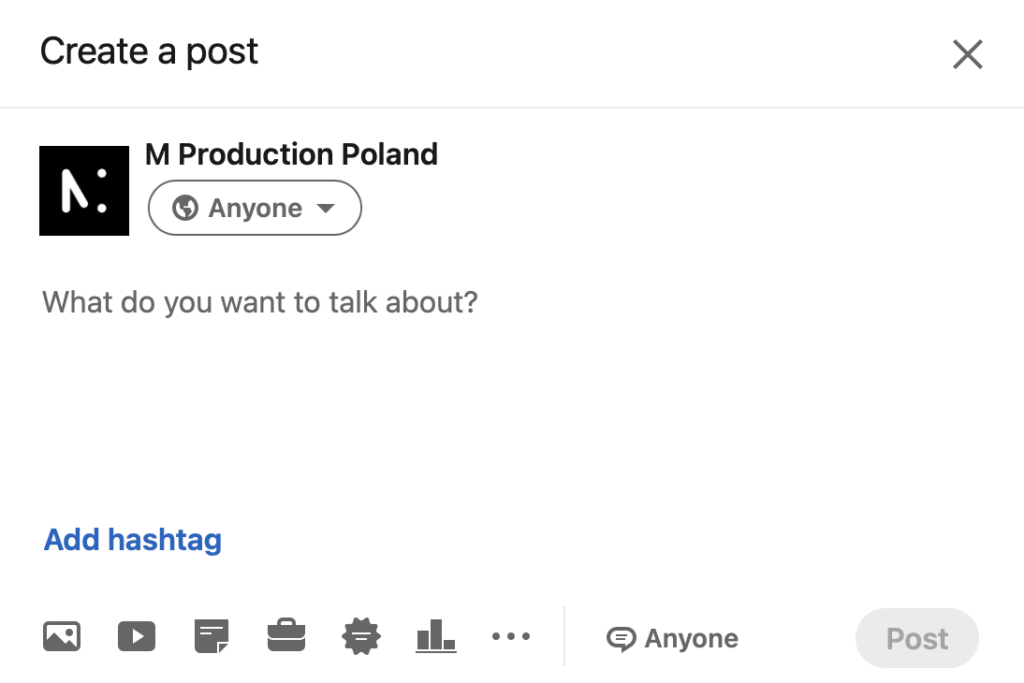
Add post content.
You have up to 3,000 characters to write content to share on your LinkedIn page.
Despite this limit, we recommend that the post be clear and concise, capable of attracting attention.
Step 3
Add multimedia content to your post, a video or photo to accompany your post information. Remember, video and graphics grab the viewer's attention!
You can also add hashtags, links and mention other accounts you want.

Step 4
Once you have included all mentions, the link is correct, and the content is ready, click Post.
It's that simple!



