

Sending an invitation through Sales Navigator is very simple and intuitive. It looks similar to sending an invitation without Sales Navigator, through the traditional LinkedIn panel.
I will guide you step by step on how to send an invitation from the Sales Navigator panel:
1. go to Sales Navigator on LinkedIn
2. search for the person you want to connect with in the search engine "search"

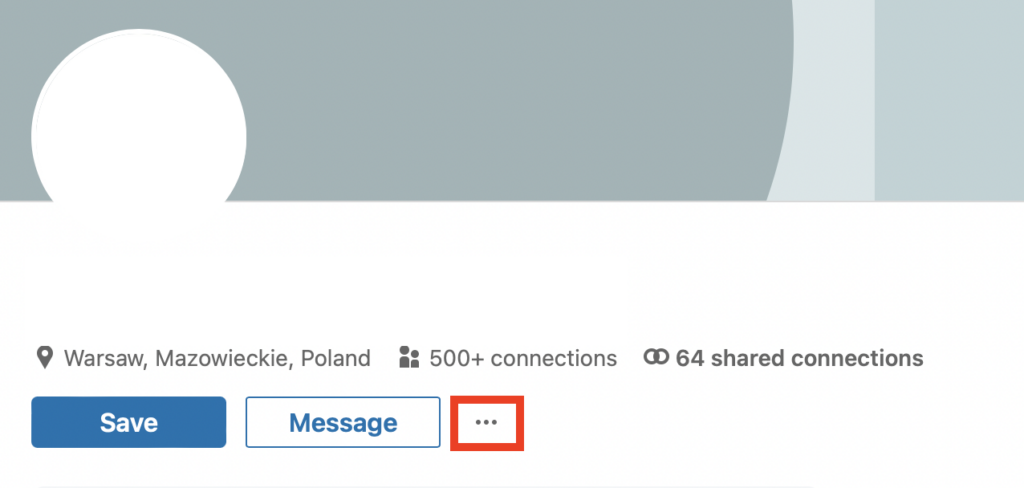
3. go to the panel of this contact and click the 3 dots next to the "Message" button
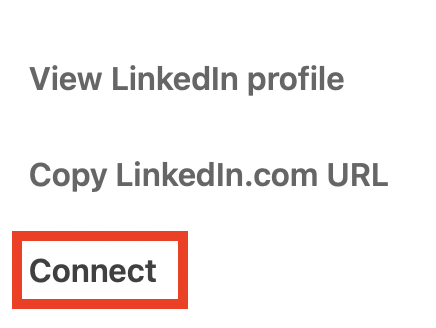
4. click "Connect" in the drop-down menu
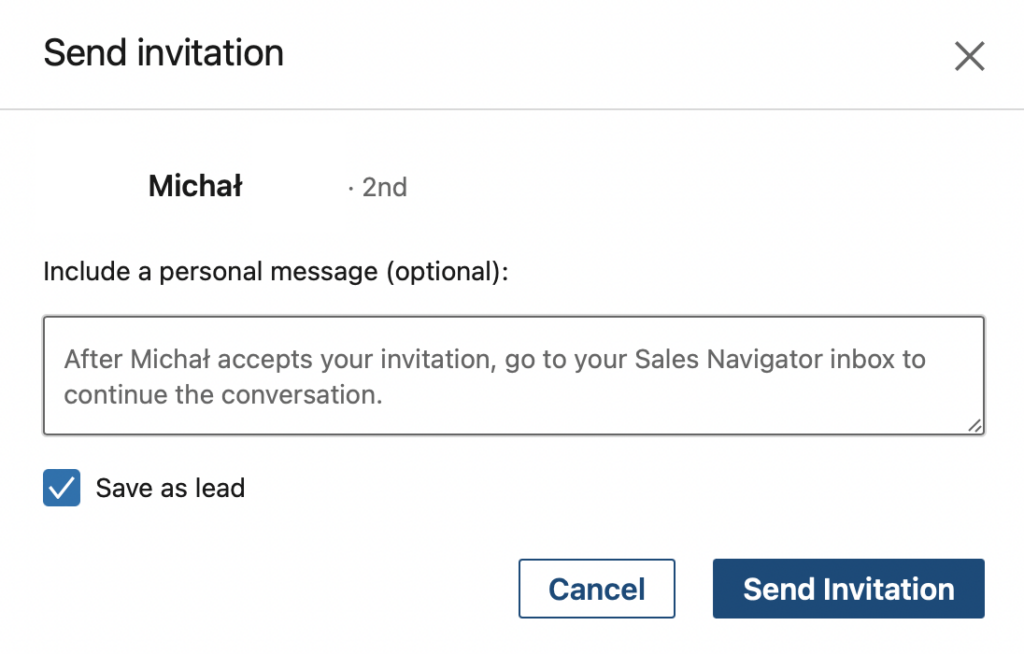
5. send the invitation with or without a personalized note, you can also save this contact as your lead
Done! With this quick and easy way, you can send network invitations from your Sales Navigator panel!



