
My Network is where we find invitations to network, page likes, events, etc. But also in the panel on the left we can see statistics of our activity.
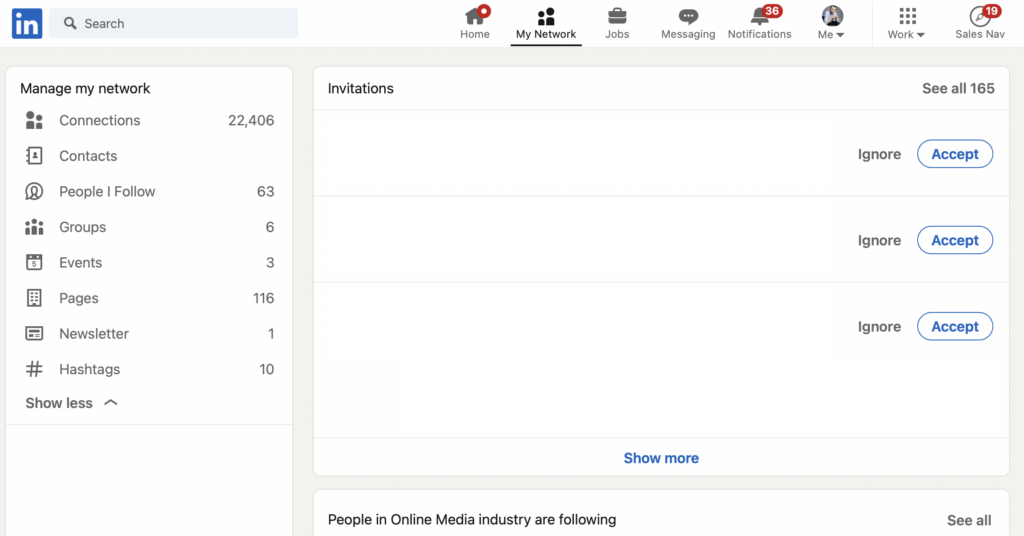
Sequentially from the top:
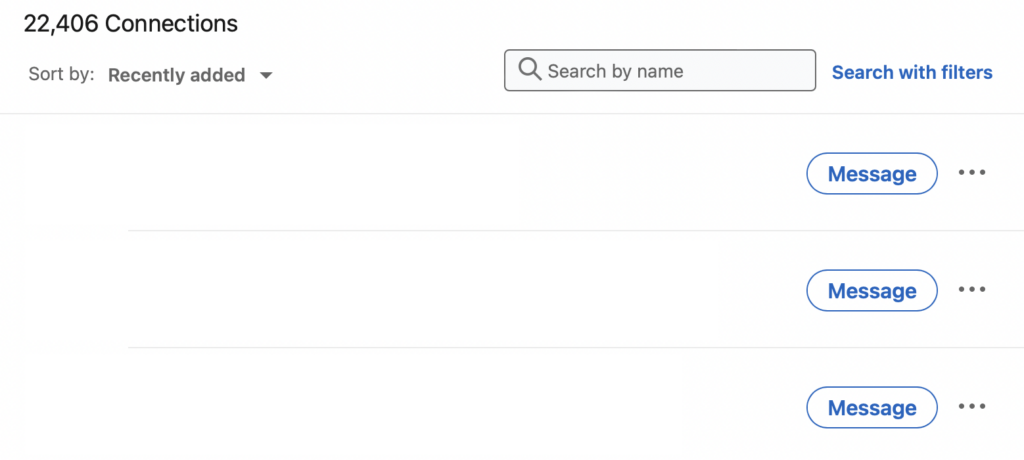
Connections - that is, the number of people we have in our contact network, when clicked we have the ability to sort our contacts, we can see the number of contacts, we can search for a specific contact by name or surname and moderate individual contacts.
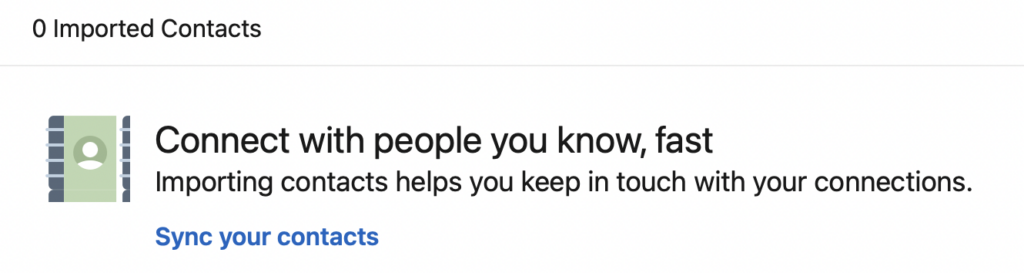
Contacts - that is, phone contacts you have - can be imported into LinkedIn, making it simpler and faster for you to connect on LinkedIn with friends or colleagues.
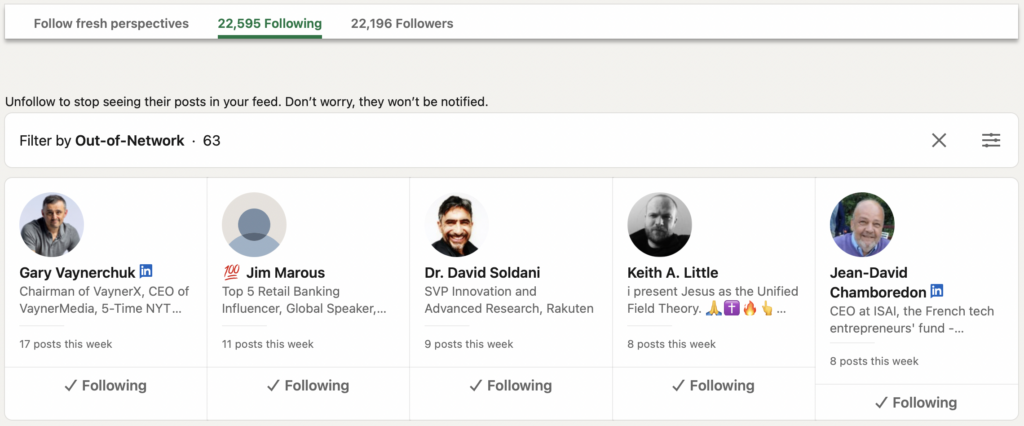
People I Follow - that is, people you follow and their updates are displayed to you on the homepage. Here we also have the ability to filter people.
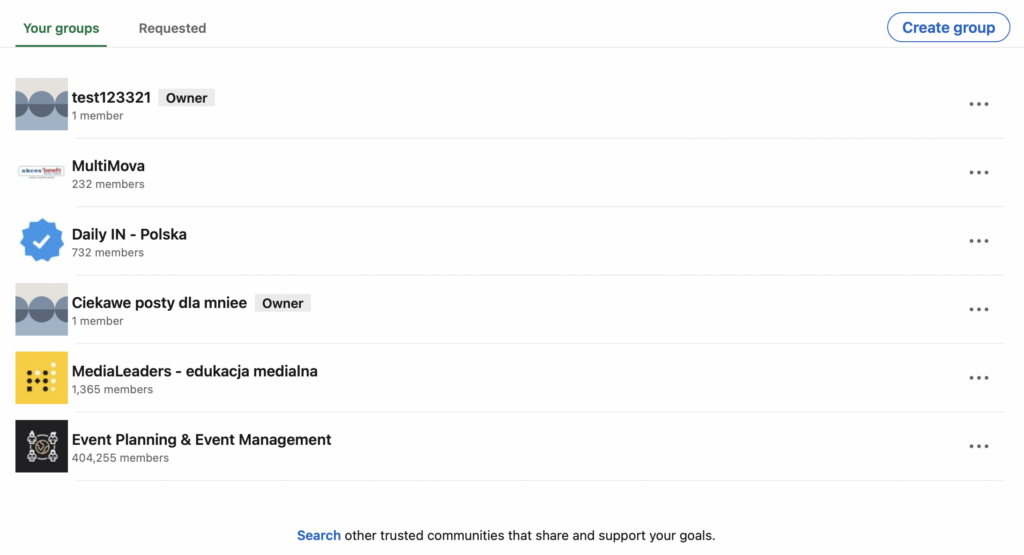
Groups - that is, all the groups you belong to, in this tab you also have the option to create your group, or manage the current ones.
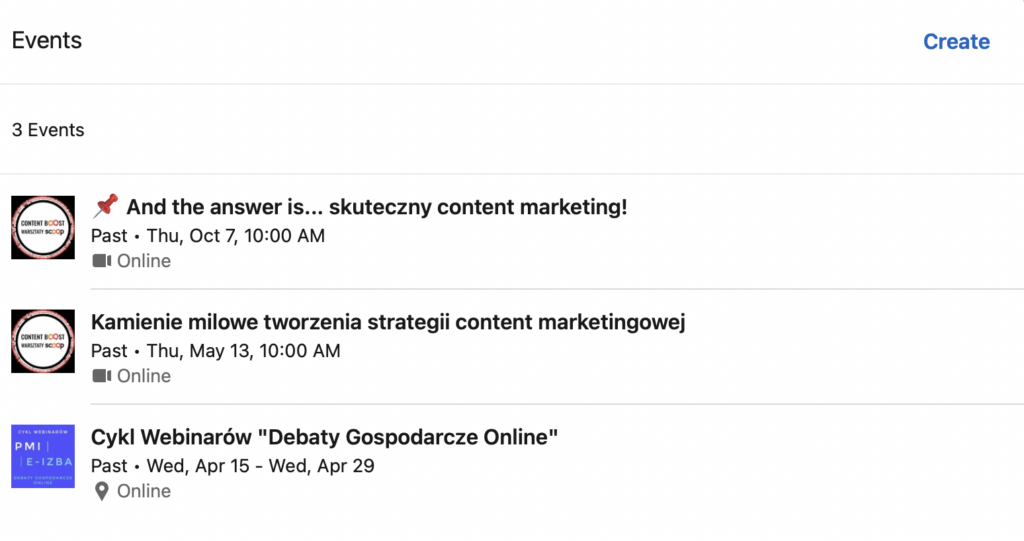
Events - that is, events you have participated in. Here you also have the opportunity to create your event and invite your contacts to it. If you don't know what events are and how to create them, read my previous articles: What are Events / How to Create an Event.
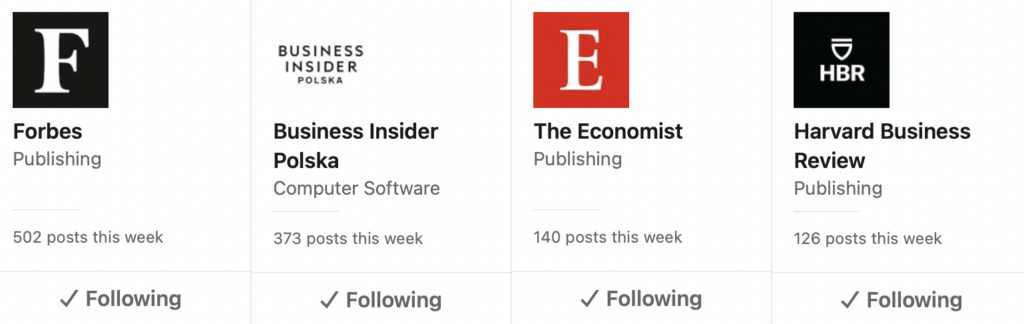
Pages - that is, all the pages you follow and want their posts to appear in your feed.
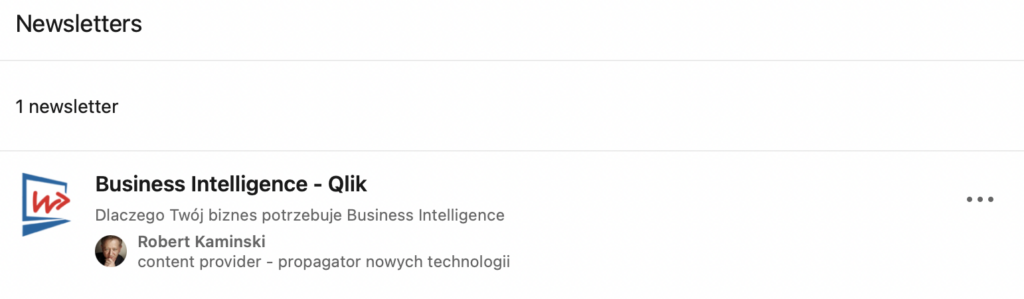
Newsletters - that is, all newsletters to which you are subscribed.
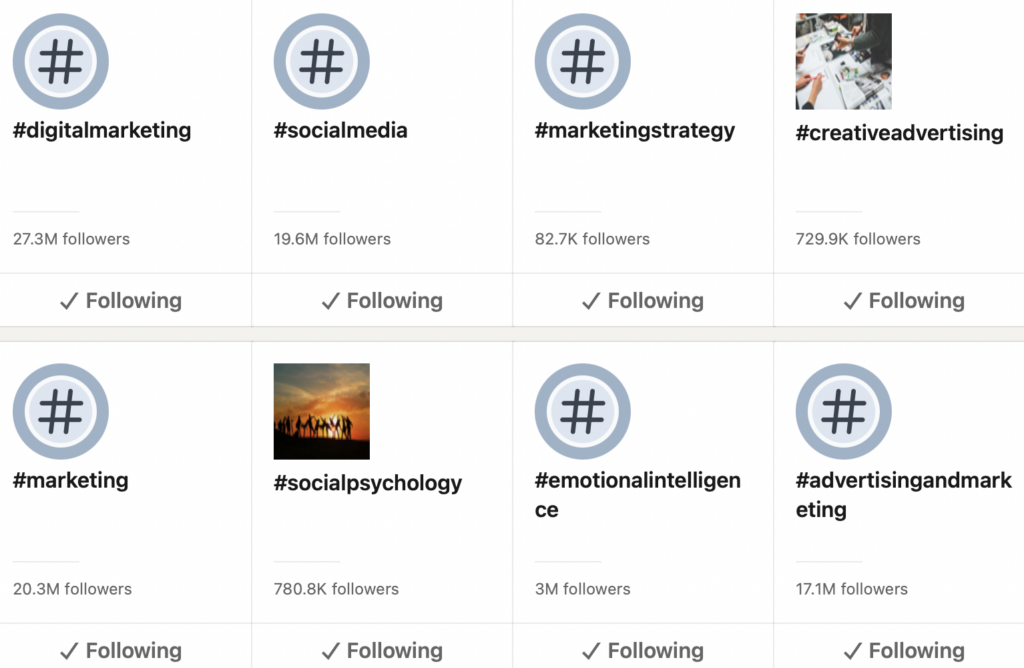
Hashtags - all the hashtags you follow appear in your feed.
In summary, the My Network tab is a compendium of your entire network, an easy place to manage it as well as create events or groups.



