

In the messages tab we have access to all your messages, you can manage them and write new ones.
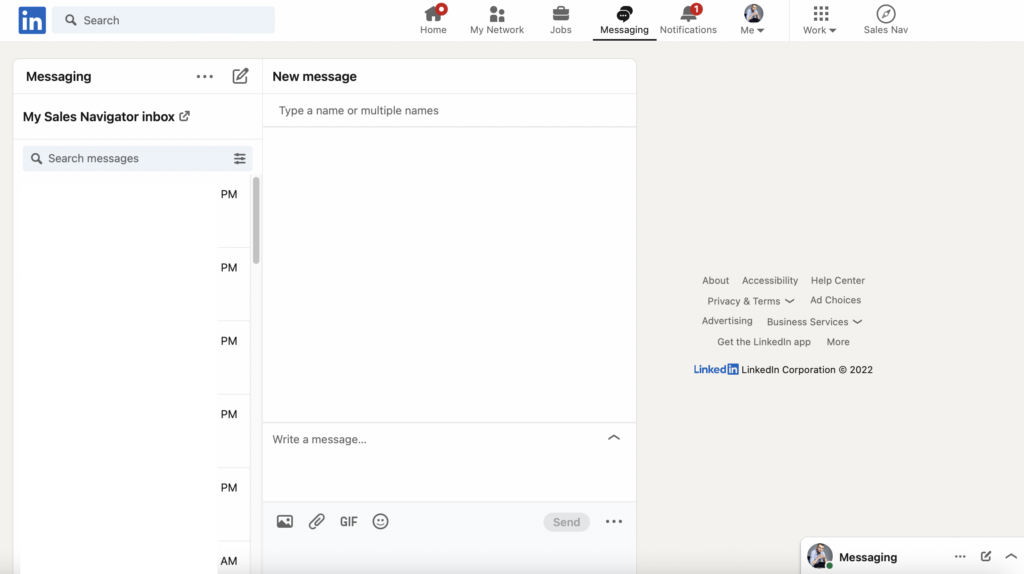
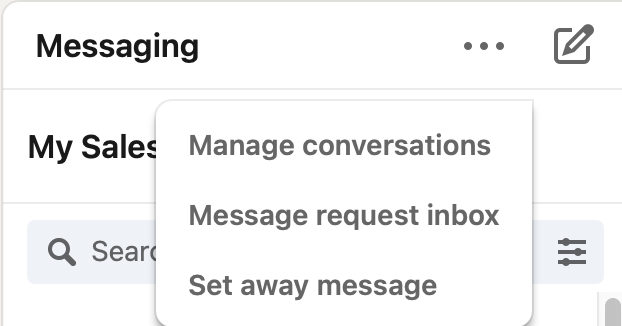
We can also filter and delete messages. When we click on manage conversations, we are able to select multiple addressees and mark them as unread, delete or archive them.
The message request box is where we find messages from people we are not connected to and their message requires us to accept.
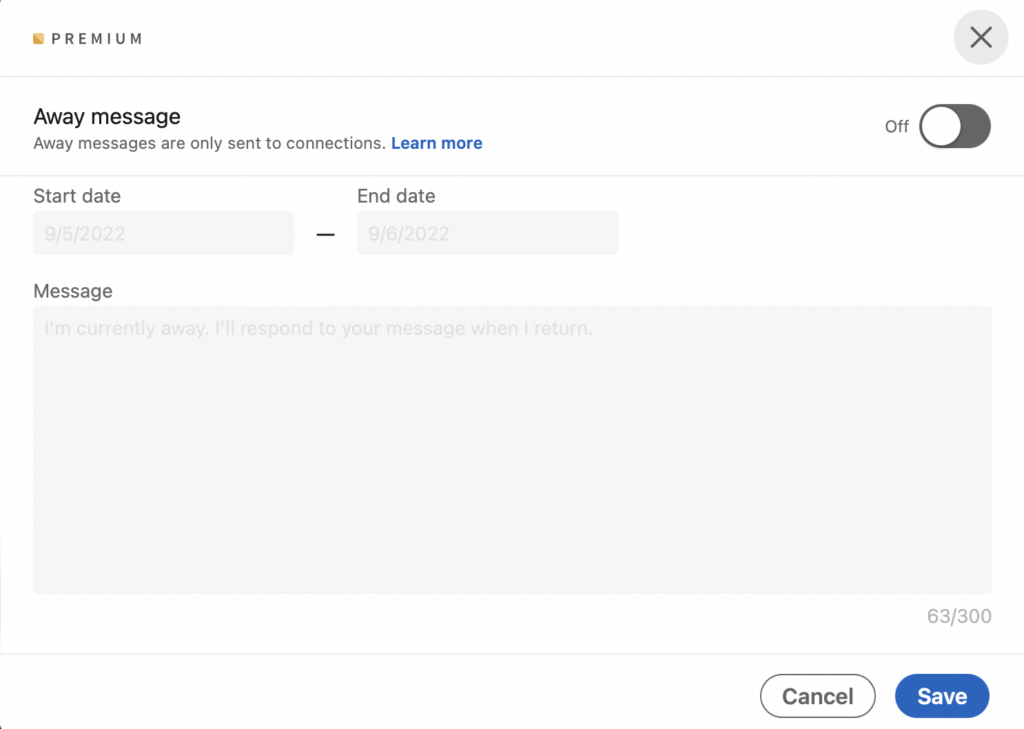
When we have purchased premium on LinkedIn, we can also set ourselves an automatic message informing us of our absence when we are unavailable. We choose the date from - to, when the message should be sent, and we can also select whether the message should be sent only to 1st degree contacts or also to 2nd and 3rd degree contacts.
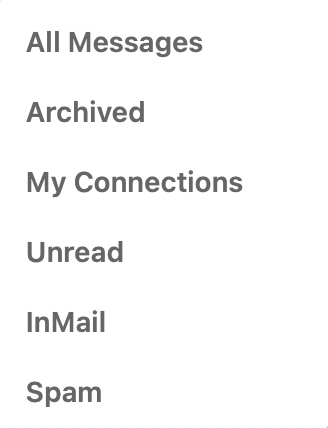
We can also filter messages:
Writing the same message to several people is also a very useful feature. All you have to do is enter the names of the contacts you want to write to.

The same functionality is also available from the chat room in the lower right corner of the main panel.
This allows us to communicate with our contacts and view our feed at the same time, just like on Facebook.
All these functionalities, make it very easy to navigate our inbox on LinkedIn, it is worth using them!



