

The first step to creating a Company Page is to have a personal profile on LinkedIn, without this we are unable to create a company profile. Once we have a personal profile, we click on the Work menu, where at the very bottom there is a button to create a Company Page.
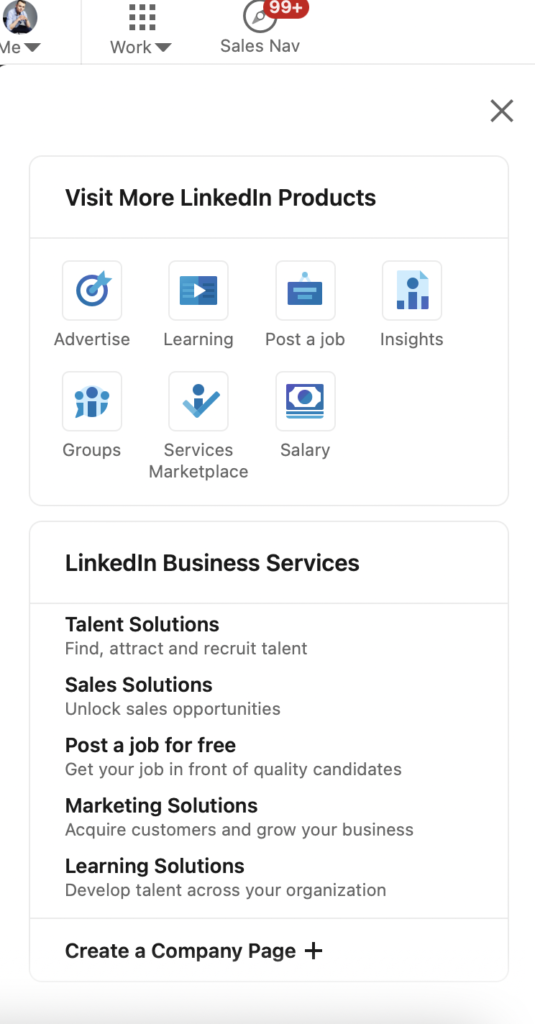
After clicking on the Create a Company Page button, we are redirected to a page where we select the type of institution we are interested in.
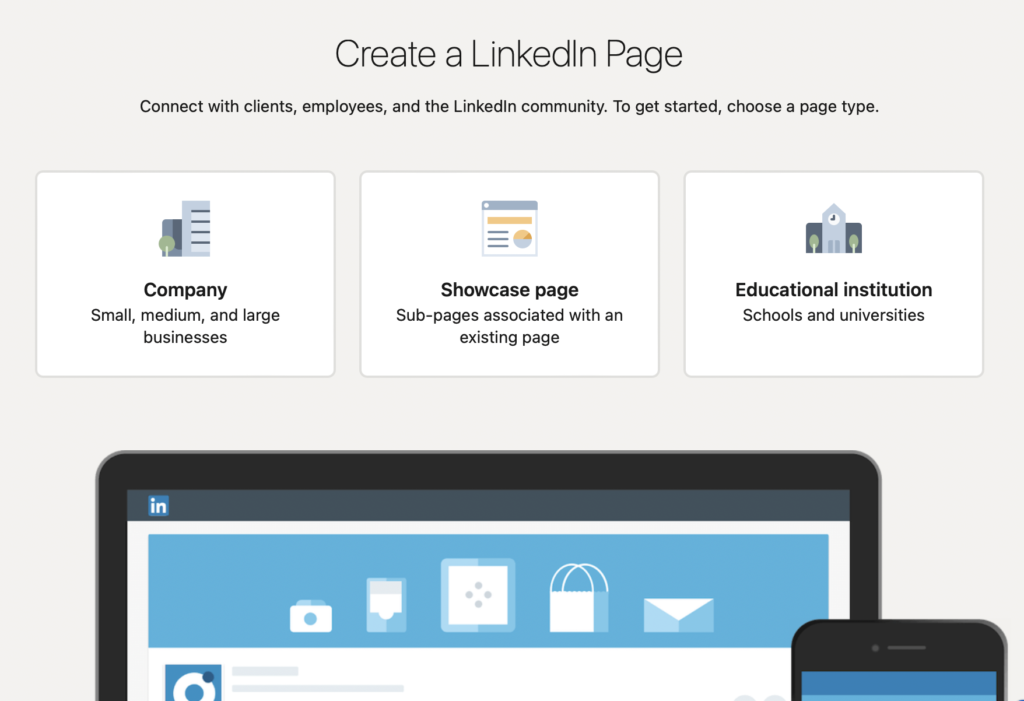
After clicking on the Company button, we will be redirected to a page where we fill in our company details.
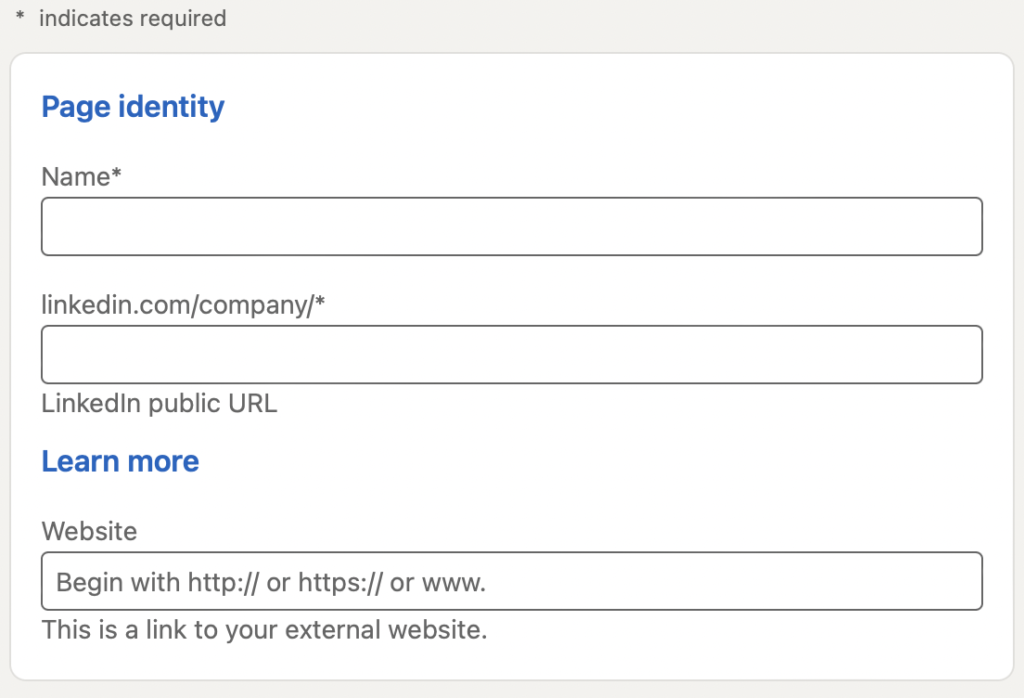
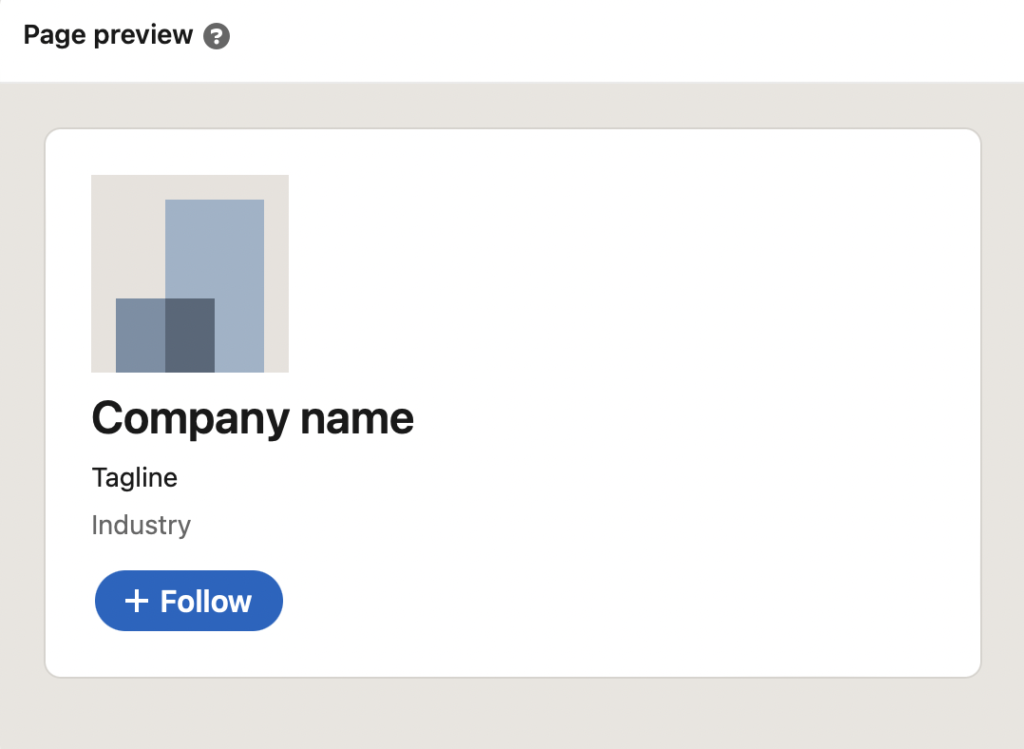
On the right side we see a preview, where the appearance of our page continuously updates as we add more information.
Page Identity
- Name of your company website - maximum 100 characters
- LinkedIn URL of your company page
- Your company's website
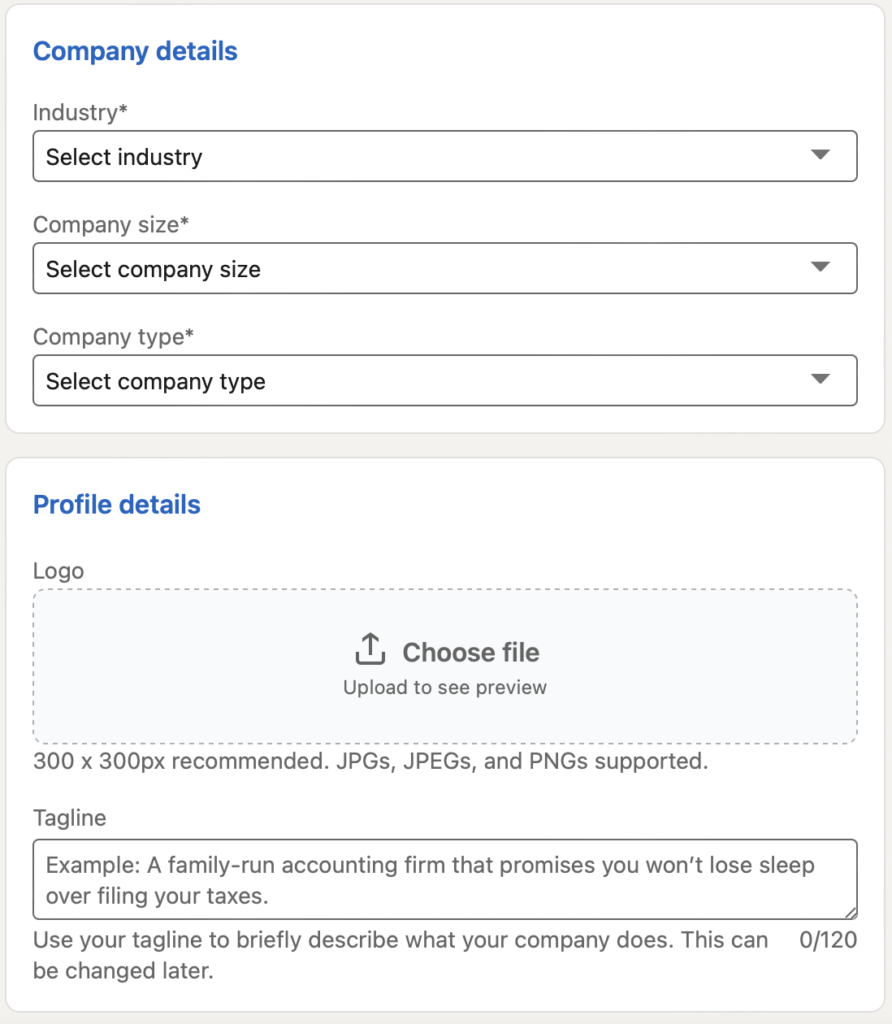
Company Details
- The industry in which your company operates
- Company size - there are as many as 9 ranges to choose from
- The type of company you run
Profile Details
- Logo - recommended size is 300 x 300px, JPG/JPEG/PNG, I suggest using PNG format.
- Tagline - this is a short description of your company for up to 120 characters
After this information has been completed and the data reliability checkbox has been checked, your site is ready to be completed!
It's time to complement your company website!
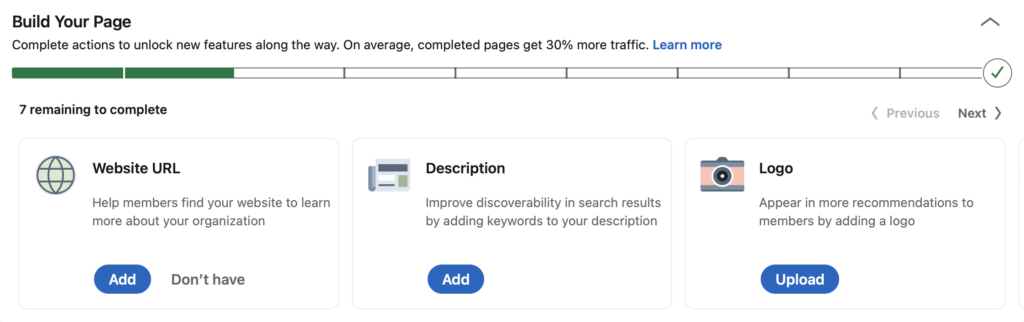
Remember that a well-complete company page on LinkedIn gets as much as 30% more impressions! This will translate into conversions for your page, so be diligent!
In addition to your company logo, a background photo will also be necessary. You can put contact information, company logo, slogan on it. This will make it even easier for users to contact you. The recommended size of the background photo is 1584 x 396px, but always try to adjust your photo perfectly by trial and error, so it will represent your company with dignity!
Now let's move on to editing the page
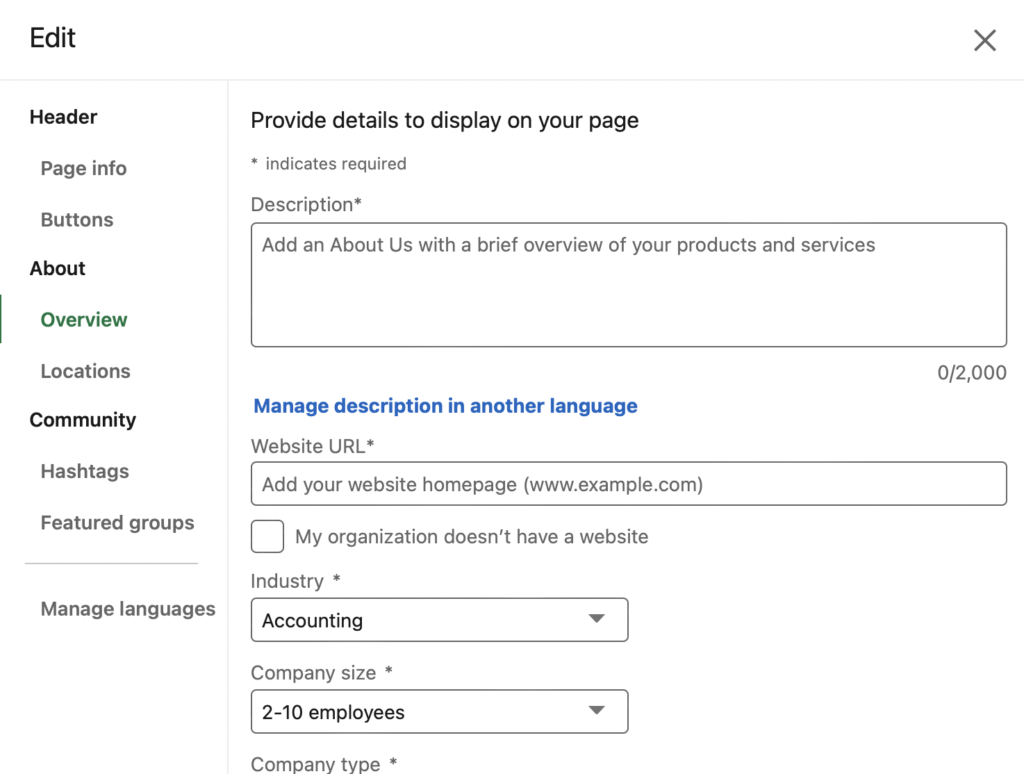
If you want your company website to be as optimized as possible, fill in as much information about your company as possible. This will help your site be displayed to more users.
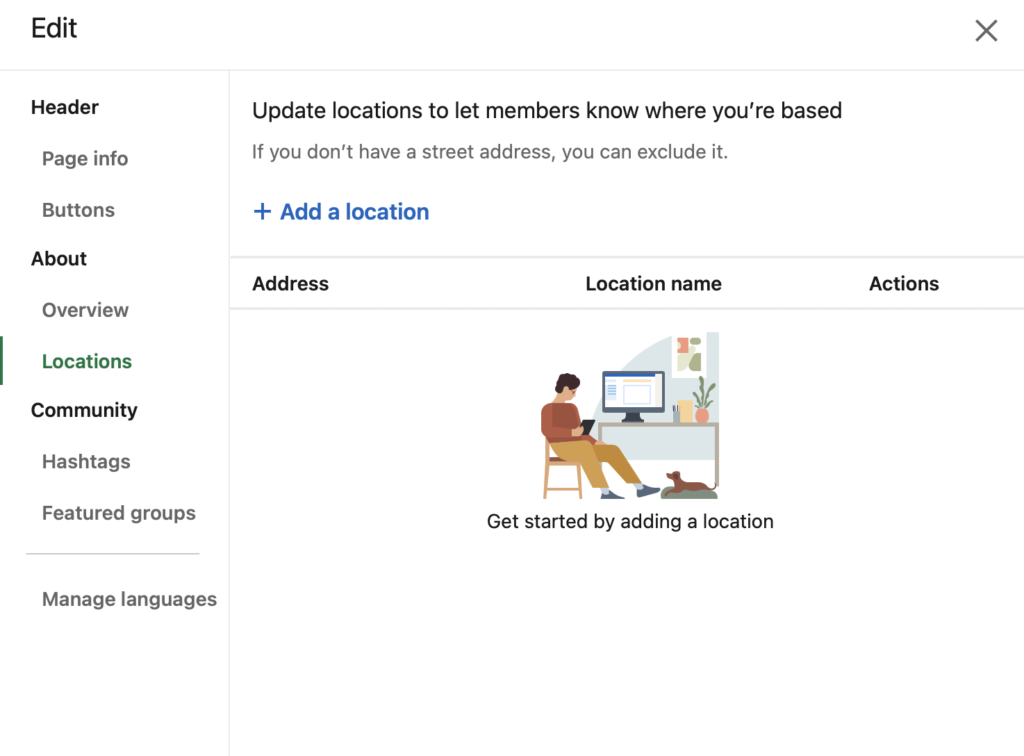
Header
- Page info - here you can edit the name, logo and slogan of your page
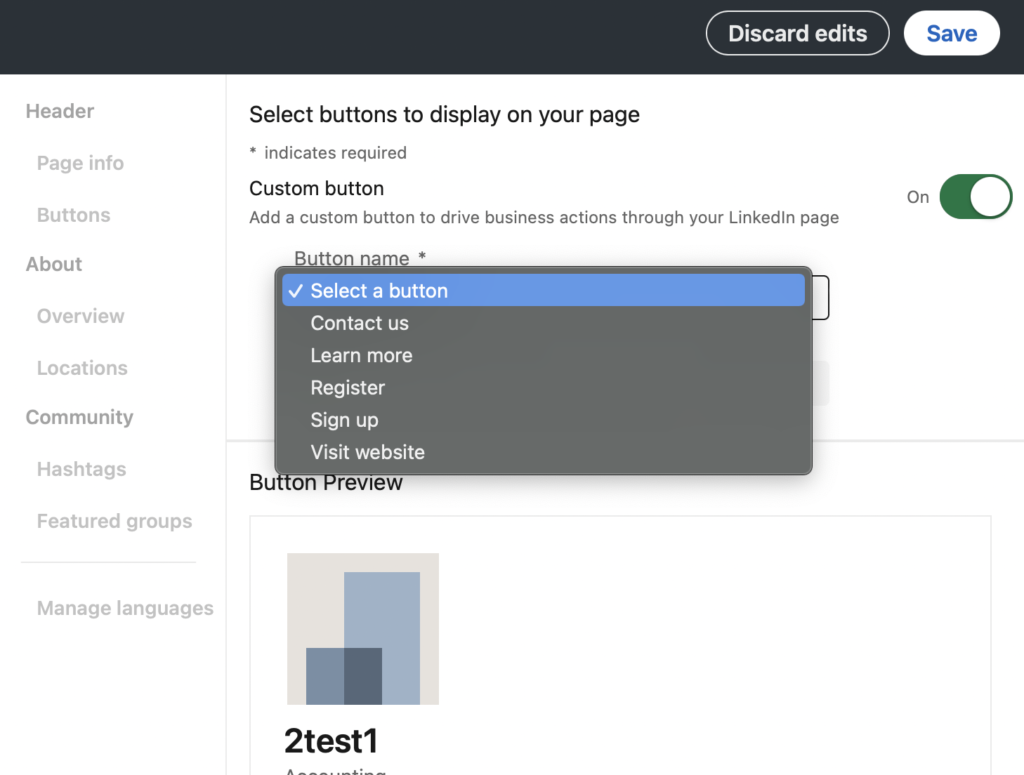
- Buttons - here you can add a button to your page, which, for example, makes it easier to reach your company website.
About
- Overview - here you can fill in basic information such as phone number, industry, company size, year of establishment, company page description with key phrases for SEO of your site. This will make it much easier for users to search for your site.
- Locations - here you can add the main address of your company and its subdivisions.
Community
- Hashtags - here you can add related hashtags to your company, this is a good place to add your keyword, or a hashtag that your company is already identified with. LinkedIn offers us to add 3 hashtags.
- Featured groups - here you can add groups with which you identify your brand, or your own groups.
Done!
Your website is fully prepared and has joined the LinkedIn community! The foundation for creating your brand on LinkedIn has been poured!



